How to collect your parcel
From January 8, 2026, a pickup code will be required to collect your parcels. The pickup code ensures a faster and more secure process — and you won’t need to show ID.
How to collect your parcel with a Pickup Code
It’s easy to collect your parcel – simply show your Pickup Code at the parcel shop.
If you are collecting your parcel from a parcel locker, you need to use the PostNord app.
How to receive your Pickup Code:
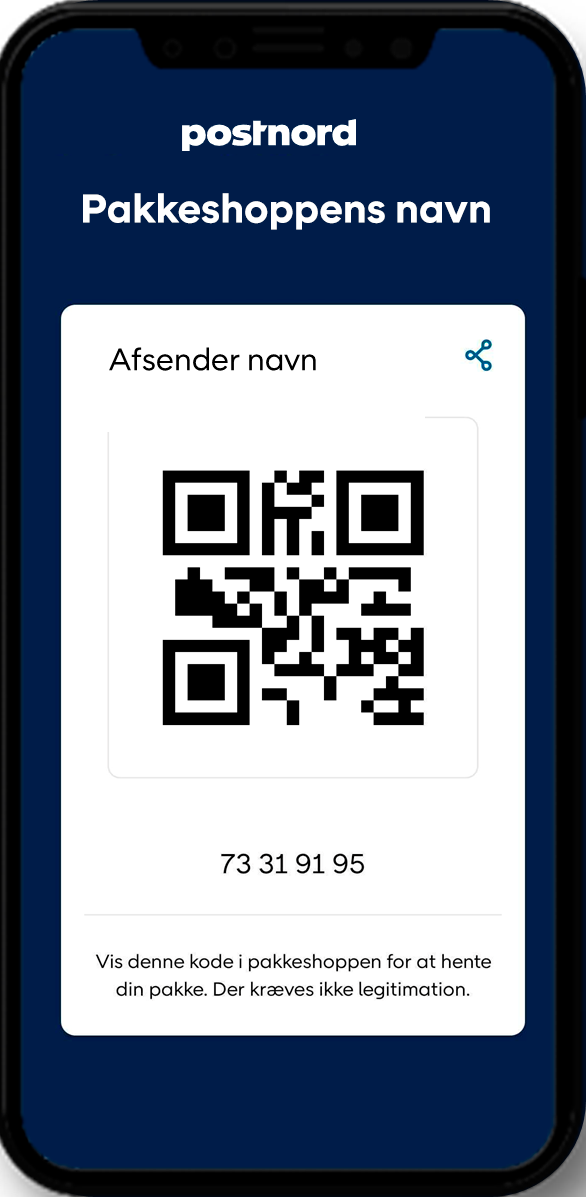
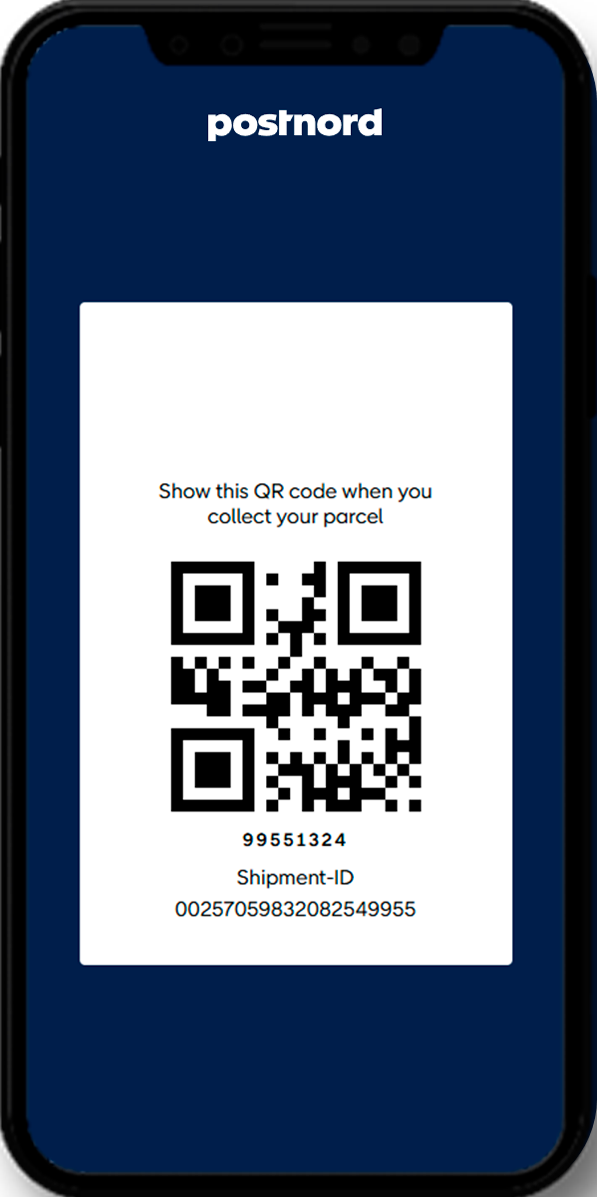
• You will receive a message in the PostNord app or via SMS/email with a link to your unique Pickup Code.
• If you click the link in the SMS or email, you will receive a QR code, which you show at the parcel shop. The message comes from PostNord and contains information about the sender, parcel shop, or parcel locker. The link will always start with postnord.com.
Some parcels still require ID:
For example, Insured Items and Registered (from abroad) require identification and a signature.
Important:
We never ask for MitID, payment card details, or other sensitive information in our messages.
Do you use the PostNord app?
The Pickup Code is displayed automatically in the app. Simply show the QR code at the parcel shop or open the compartment in the parcel locker via the app when Bluetooth is enabled – it only takes one click, and the compartment opens.
How you will receive your pickup code
PostNord app SMS/e-mail
If you haven’t received a pickup code